
Every occupational safety specialist knows this routine: an instruction must not just follow the standard template but be tailored to a specific enterprise, filled with details, coordinated and approved by an order. When the document arrives as a PDF or a rigidly laid-out file, everything has to be retyped by hand. The instruction builder on the portal delivers the result in an editable .docx format — open it in Word or LibreOffice and keep working right away, with no re-typing.
What it is
The builder generates an instruction in five sections according to NPAOP 0.00-4.15-98: general provisions, requirements before work begins, during work, in emergencies, and after completion. You pick the occupation, configure the types of work, hazards and PPE — and download a ready .docx. It is not an image or a locked PDF, but a plain text document fully in your control.
Why it helps an occupational safety engineer
Under NPAOP 0.00-4.15-98 the employer develops instructions on the basis of standard ones, so a bare template still has to be adapted to your enterprise. This is exactly where the editable format removes the main pain — manual formatting from scratch and retyping text from someone else's samples. In practice this means:
- You insert the enterprise name, structural unit, position, number and date — the details required for approval by order.
- You add the approval stamp from the occupational safety service and the trade union committee, and place the signatures of responsible officers.
- You adjust the list of hazardous and harmful factors and PPE to the real conditions of the specific workplace.
- You keep the single corporate layout template used at your enterprise: fonts, margins, headers and footers, numbering.
- You work offline — the file sits on your computer and you edit it anytime, even with no internet access.
- You reuse your work: one instruction becomes the basis for related occupations in a couple of minutes.
How to use it
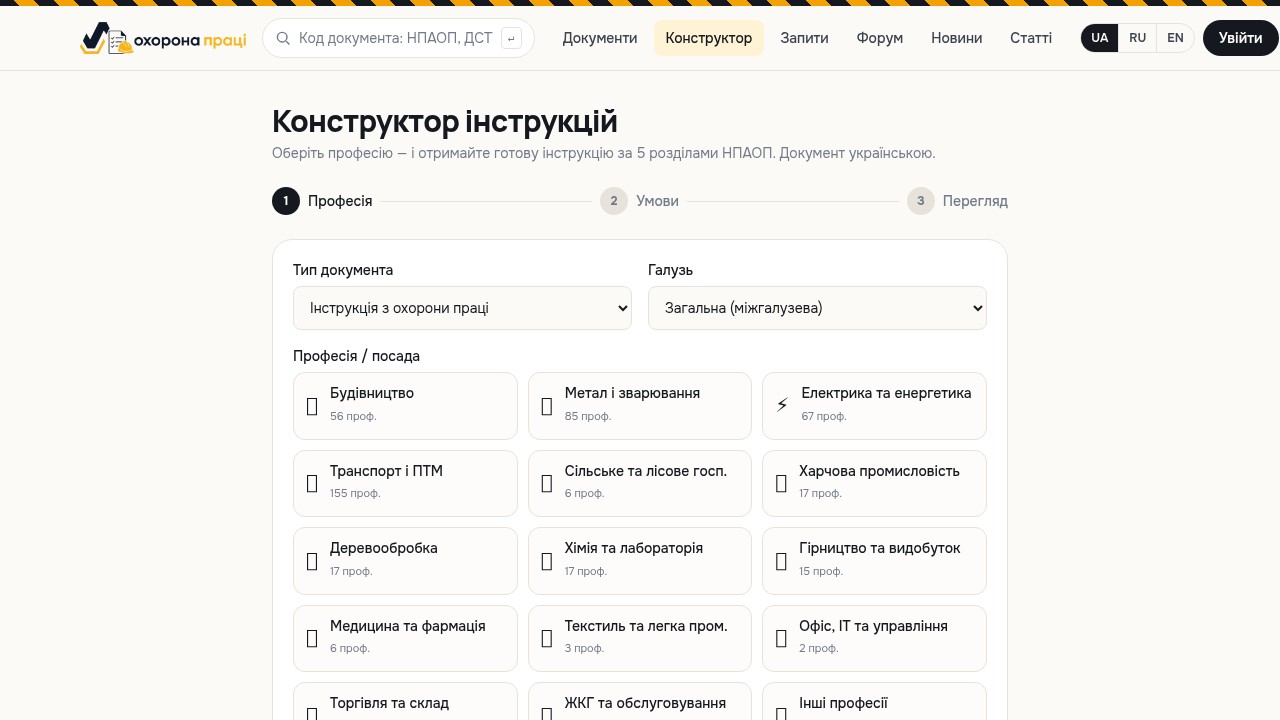
Open the Instruction Builder section, choose an occupation from the list and, if needed, specify the types of work, typical hazards and personal protective equipment. Download the generated instruction as a .docx with one button and open it in your usual editor. If you need deeper, more detailed text for your specific case, enable asynchronous AI generation: the system processes your settings and prepares an expanded version with detailed wording for each of the five sections, which you likewise receive as an editable file. It is convenient to keep the finished instruction and the documents it is based on in your personal account, so you can return to them during a scheduled review.
Example scenario
An enterprise hires a manual arc welder. An inspection is due in a week and there is no current instruction. Instead of hunting for someone else's sample online and spending hours cleaning it up, you open the builder, choose the occupation, mark work at height, work with open flame and the matching PPE, and download the .docx. Within minutes you have a draft with the correct NPAOP structure and proper sections. You only need to fill in the details, reconcile the list of hazards with the risk assessment, coordinate it with the occupational safety service and submit it for approval by order — and the document is ready for the inspection. What used to take half a day now fits into a short pause between other tasks.
Tips
Before approval, check the list of hazards against the workplace risk assessment — the standard template is only a framework, and the employer is responsible for the content. Keep the source .docx in your account and locally so you can quickly update the instruction when the technology, equipment or regulatory base changes. Unify the header, approval stamp and numbering in your own template right away — your next instructions will come together even faster. And do not forget the review date: an editable file lets you make changes in minutes instead of rewriting the document from scratch.
Stop spending hours on layout — generate the instruction as an editable .docx, tailor it to your enterprise and approve it by order. Start now in the Instruction Builder section.